

AI Equipment for Freelancers: Build Your Setup
Discover the essential AI equipment for freelancers to boost daily productivity, automate tedious workflows, and scale your independent business.
 Nitesh Roy
6 min read
Key takeaways
- Check your computer hardware specs before running local AI models.
- Invest in a good microphone for clear speech-to-text dictation workflows.
- Review cloud AI privacy policies to protect sensitive client data.
- Balance monthly software subscription costs with billable freelancer hours.
On this page
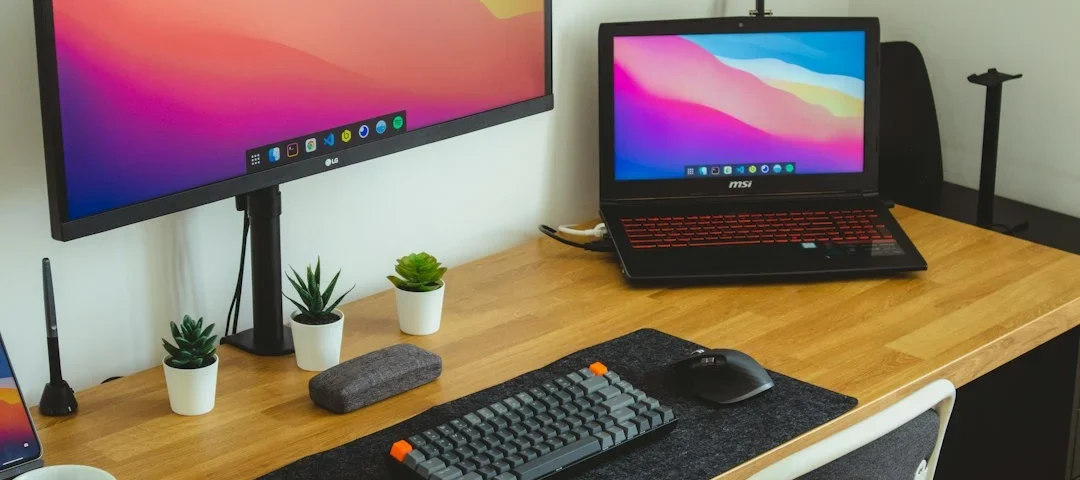
Setting up your independent workspace is a big deal, especially when you want to speed up your daily tasks using modern tech. Getting the right artificial intelligence equipment for freelancers helps you run local models, generate content faster, and handle client work without constantly fighting a lagging laptop. Let us look at what you actually need to build a smooth, automated desk setup.
What hardware specs do you actually need for local AI workloads?
Evaluating GPU vs CPU performance for running open-source models
If you want to run open-source language models directly on your machine instead of relying entirely on the cloud, your graphics card matters more than anything else. Dedicated VRAM is the main bottleneck for large models, meaning integrated graphics will struggle badly with anything beyond tiny parameters. An NVIDIA card with at least 8GB or 12GB of VRAM gives you a comfortable starting point for running quantized models locally. While your CPU handles general multitasking, offloading neural network math to a capable GPU turns sluggish generation into instant responses.
RAM requirements for heavy multitasking and local AI processing
Running local inference alongside heavy design suites, browser tabs, and client chat apps eats up system memory extremely fast. 16GB of system RAM used to be the gold standard, but modern independent workflows practically demand 32GB if you plan to dabble in local AI models. When your machine runs out of physical memory, it turns to swap space on your storage drive, which slows everything to a crawl. Investing in fast, high-capacity memory ensures your computer stays responsive while processing background tasks and managing your day-to-day client projects.
How to choose the right AI software stack for your specific niche
Selecting writing assistants versus design generators
Every independent profession requires a completely different suite of digital helpers, so buying random subscriptions wastes money. Writers and content creators benefit most from advanced text models, local note-taking tools with semantic search, and grammar engines. On the flip side, visual creators and developers need powerful image upscalers, code-completion plugins, and specialized generative models. Matching your software choices to your actual billable output keeps your overhead low and your daily workflow streamlined.
Integrating automation tools with your existing client management apps
Connecting your favorite AI models to your invoicing, scheduling, and project management tools saves hours of manual data entry every single week. Using webhook-based platforms or native integrations allows you to draft client emails, summarize meeting transcripts, and update task boards automatically. Instead of jumping between ten different browser tabs, a unified automation layer handles routine admin work while you focus on deep work. Exploring structured freelancing guides can also show you how other independent workers set up their digital pipelines without getting overwhelmed.
Why ergonomic peripherals matter when using voice and gesture AI controls
Reducing strain during heavy dictation and prompt engineering
Relying heavily on voice-to-text dictation and complex prompt writing changes how you physically interact with your desk setup for hours at a time. Repetitive strain injuries do not care if you are typing code or speaking commands into a microphone. An ergonomic keyboard and vertical mouse help keep your wrists in a neutral position during long writing marathons. Taking regular physical breaks prevents fatigue, keeping your mind sharp when you need to review and edit AI-generated outputs.
Choosing microphones and headsets optimized for speech-to-text tools
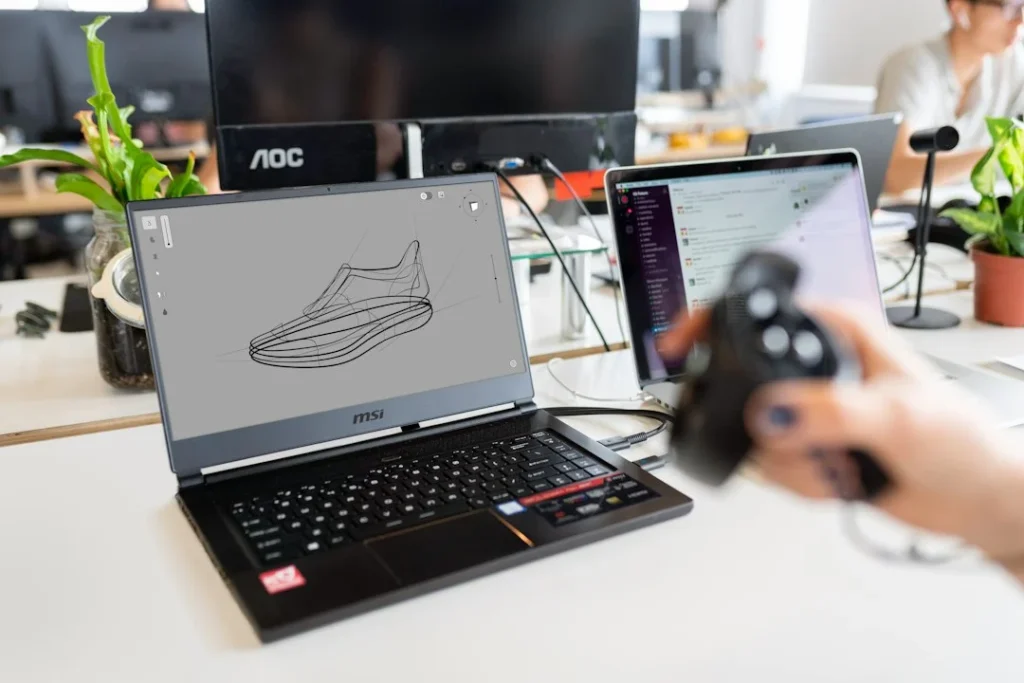
Speech-to-text engines rely heavily on clean audio input to transcribe your voice accurately without missing specialized terminology. Built-in laptop microphones often pick up room echo, fan noise, and keyboard clatter that confuses speech models. Investing in a dedicated USB condenser microphone or a noise-canceling headset dramatically improves your transcription accuracy. Cleaner audio means fewer corrected typos and a much faster voice-driven workflow.
How to build a cost-effective cloud AI infrastructure instead of buying expensive hardware
Leveraging API-based models to reduce upfront equipment costs
Buying a top-tier workstation with multiple high-end graphics cards costs thousands of dollars, which can easily drain a freelancer’s savings. Using cloud APIs lets you access frontier models without needing a powerhouse computer sitting on your desk. Your everyday laptop or mid-range desktop becomes completely sufficient when remote servers handle the heavy computational lifting. This approach keeps your startup costs low and lets you scale your tech stack as your client base grows.
Balancing subscription costs with billable freelancer hours
It is easy to sign up for every new AI tool that pops up on your social media feed, but software subscriptions add up quickly. Every monthly fee requires extra billable hours just to break even on your operational expenses. Auditing your software stack every few months helps you cut tools you rarely use and double down on the ones that genuinely save you time. Always calculate whether a tool speeds up your delivery enough to justify its monthly price tag.
How to secure client data on your AI-enabled equipment
Setting up local firewalls and private model instances
Handling sensitive client data means you cannot afford accidental leaks through public model training pipelines or insecure local networks. Configuring a basic local firewall and using containerized, offline AI instances protects proprietary code and private documents from unauthorized access. Taking these basic security precautions builds trust with your clients, especially when you handle confidential business strategies or personal data. A secure workspace is just as important as a fast one.
Understanding data privacy policies of major AI providers
Cloud-based AI tools handle your prompts and uploaded files differently depending on whether you use free tiers or paid enterprise accounts. Free versions often use your inputs to train future model iterations, which might violate your non-disclosure agreements with clients. Reading the privacy terms of your chosen software ensures you never paste confidential client data into an endpoint that stores or reviews inputs. Switching to enterprise APIs with strict zero-retention policies keeps your business compliant and professional.
Step-by-Step Implementation
- Audit your current hardware specs: Check your existing CPU, RAM, and graphics card to see if your machine can handle local workloads or if you need to rely on cloud services.
- List your primary daily tasks: Identify which parts of your freelance business take up the most time so you can choose the right software stack instead of buying random tools.
- Upgrade your audio and input peripherals: Get a clear microphone for voice dictation and ergonomic gear to protect your hands and wrists during long working hours.
- Set up cloud API keys: Create accounts with reliable AI providers to access powerful models without spending thousands of dollars on heavy local hardware.
- Review data privacy settings: Check the terms of service on all your software subscriptions to ensure client data is never used for public model training.
- Build a simple automation pipeline: Connect your AI tools to your client management apps using basic triggers to handle repetitive administrative tasks automatically.
Frequently asked questions
Do I need a high-end graphics card to use AI tools as a freelancer?
No, you do not need an expensive graphics card if you mainly use cloud-based AI tools and APIs that run on remote servers. A high-end GPU is only necessary if you want to run large open-source models completely offline on your own machine.
How much RAM is enough for running local AI models?
You generally want at least 32GB of system RAM if you plan to run local AI models smoothly alongside your regular browser tabs and productivity apps. Anything less than 16GB will likely cause significant slowdowns and memory swapping issues.
Are cloud AI tools safe for handling confidential client work?
They can be safe if you use paid business tiers or enterprise APIs that explicitly guarantee zero data retention and do not use your inputs for model training. Always check the specific privacy policy of each tool before pasting sensitive documents into it.
What peripherals make the biggest difference for AI workflows?
A high-quality microphone or headset for speech-to-text dictation and an ergonomic keyboard make the biggest daily difference for productivity and physical comfort. Clear audio reduces transcription errors, while good ergonomics prevent strain during long prompt-writing sessions.
Next Steps
- Review your current hardware and software expenses to spot unnecessary tool subscriptions.
- Test a cloud API connection for your most time-consuming daily writing or research task.
- Explore VELYON insights to find more guides on building an efficient independent career.
Photo by Nubelson Fernandes on Unsplash · Photo by ThisisEngineering on Unsplash
Build your career with VELYON
Related reading
 Freelancing & ProjectsPredictive Analytics Project: Build a ML Model7 min read · November 7, 2026
 Freelancing & ProjectsReal-World Machine Learning Applications for Student Projects7 min read · November 7, 2026
 Freelancing & ProjectsAI Projects for College Students With Source Code8 min read · November 7, 2026
