Video Interview Tips: How to Make a Good Impression
Master video interview tips to make a lasting impression. Discover how to nail lighting, eye contact, and body language to stand out.
 Nitesh Roy
8 min read
Key takeaways
- Set your webcam at eye level to create natural eye contact.
- Face a window or light source to brighten your face evenly.
- Look into the camera lens when speaking to the interviewer.
- Tidy your background or use a subtle blur for professionalism.
On this page
Quick Summary
- Mastering virtual interview preparation helps you present yourself with confidence and secure remote job opportunities.
- Learn how to optimize your camera angle, body language, and background environment to make a strong impression.
- Discover strategies to avoid common remote job interview mistakes and handle technical glitches smoothly.
- Find actionable tips on how to look professional on camera and impress hiring managers from the very first minute.
Getting ready for a virtual job interview can feel a bit nerve-wracking, especially when a screen separates you from the hiring manager. Knowing the right video interview tips: how to make a good impression can instantly boost your confidence and help you stand out from other candidates.
Why Virtual First Impressions Matter
First impressions happen in the blink of an eye. When you dial into a video call, the people on the other side are sizing you up long before you even say hello. It is just human nature, but understanding this reality gives you a huge advantage.
Hiring managers form opinions within the first thirty seconds of a video call
Studies and hiring managers alike agree that the initial thirty seconds of a video meeting set the tone for the entire conversation. Your posture, expression, and overall framing communicate competence before you utter a single word. If you log in looking slumped, unprepared, or poorly lit, you force yourself to spend the rest of the interview playing catch-up. Getting your setup right from the very first second lets your actual skills take center stage.
Technical glitches can unconsciously bias an interviewer against your competence
It sounds harsh, but a frozen screen or poor audio can make an interviewer subconsciously question your tech literacy and organizational skills. While tech issues do happen to everyone, repeated fumbling with your microphone or camera creates unnecessary friction. Taking time for thorough virtual interview preparation ensures your setup runs smoothly. When the technology fades into the background, the conversation flows naturally and focuses entirely on your qualifications.
How to Optimize Your Camera Angle and Lighting
Your physical setup plays a massive role in how professional you appear. You do not need a Hollywood studio setup, but basic adjustments make a world of difference.
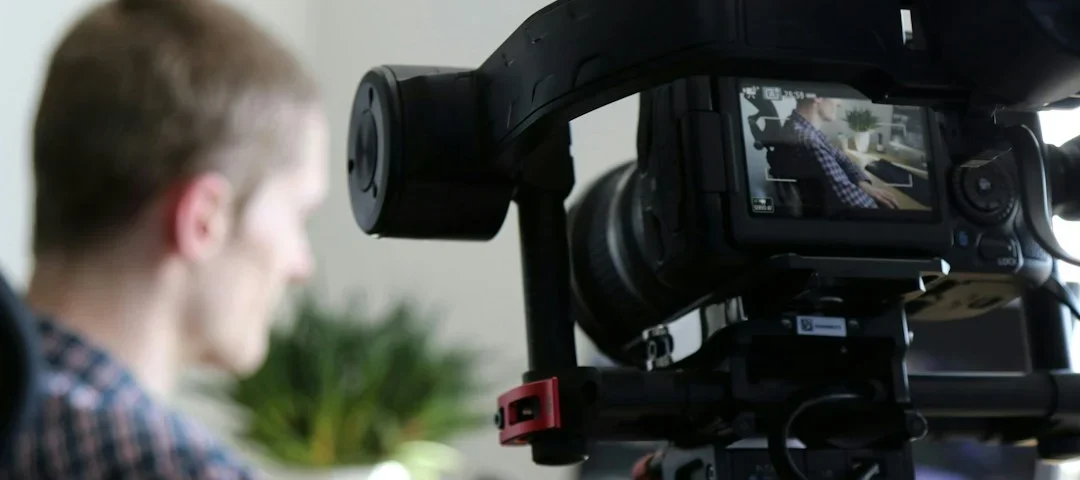
Position your webcam at eye level to simulate natural, face-to-face eye contact
Nothing screams awkward quite like a webcam pointed straight up your nose or looking down on you from a high angle. Prop your laptop on a stack of books or use an adjustable stand until the camera sits right at your eye level. This simple adjustment creates a conversational, peer-to-peer dynamic. It mimics an in-person meeting where both parties look each other straight in the eye without tilting their heads.
Use natural light facing your desk instead of harsh overhead lighting
Good lighting changes everything about how clear your video looks. Position your desk so you face a window with natural light, which brightens your face evenly and eliminates unflattering shadows. Avoid sitting with your back to a bright window, or you will turn into a dark silhouette on the interviewer’s screen. If you interview in the evening, place a lamp just behind your webcam to illuminate your face gently.
Mastering Body Language Through a Lens
Virtual body language requires a slightly different approach than an in-person meeting. Because you are communicating through a small frame, subtle habits become much more noticeable.
Look directly into the camera lens rather than the screen when speaking
It is tempting to look at the interviewer’s face on your monitor while you talk, but to them, it looks like you are staring down or away. When you want to make a key point, look straight into the little glass circle of your webcam. That trick creates the illusion of direct eye contact on their end. It shows attentiveness and genuine engagement.
Keep your posture upright and use hand gestures sparingly within the frame
Slouching on a comfortable couch translates to looking lazy or disinterested on camera. Sit back in your chair with your spine straight, keeping your shoulders relaxed and open. Feel free to use hand gestures to emphasize your points, but keep them close to your chest within the camera view. Wild, flailing arm movements look blurry and distracting over a compressed video feed.
Creating a Distraction-Free Environment
Your background tells a story about who you are. Keeping it clean and controlled keeps the interviewer’s focus right where it belongs: on you.
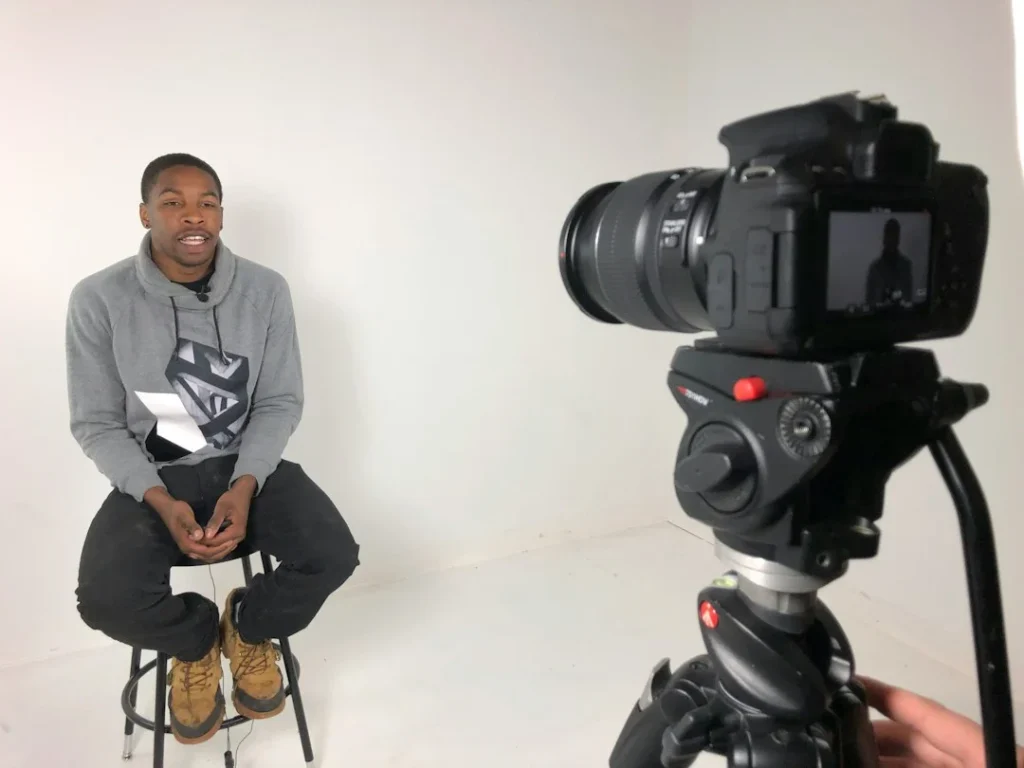
Choose a clean, neutral background or use a subtle blur effect
A tidy bookshelf, a blank wall, or a neat corner of a room works wonders as a backdrop. Avoid spaces with piles of laundry, messy beds, or chaotic clutter that pulls attention away from you. If your room is hard to tidy up, most video platforms offer a built-in blur effect. Just make sure the blur looks natural and does not randomly erase your ears when you move your head.
Silence all computer notifications and alert household members beforehand
Nothing kills your professional momentum faster than a sudden text notification pinging loudly or a family member walking into the room mid-sentence. Turn on “Do Not Disturb” mode across all your devices to block pop-ups and chat sounds. Let everyone in your home know you have a major interview coming up so they can keep the noise down. Taking these precautions protects you from sudden embarrassing interruptions.
How to Handle Technical Difficulties Gracefully
Even with careful planning, unexpected tech hiccups can still happen. How you handle them reveals a lot about your problem-solving skills under pressure.
Test your audio, microphone, and internet connection fifteen minutes prior
Never wait until the exact minute your interview starts to check if your microphone works. Log in to your video platform early, use the test call feature, and check your speaker levels. A quick fifteen-minute check gives you enough time to restart your router or update software if something acts up. Being early shows respect for the interviewer’s busy schedule.
Have a backup plan ready, such as switching to mobile data or a phone bridge
If your home internet suddenly drops out completely, do not panic. Have your phone nearby with a backup hotspot ready to go, or keep the dial-in phone number from the calendar invite handy. If video fails entirely, calmly switch to audio and let the interviewer know through chat. Employers appreciate candidates who stay cool-headed and resourceful when things go sideways.
Step-by-Step Implementation
- Test your tech early: Open your video software fifteen minutes before the call to check your microphone, camera, and internet stability.
- Adjust your webcam height: Stack books under your laptop until the camera sits level with your eyes for natural framing.
- Optimize your lighting: Position yourself facing a window or soft lamp so your face is brightly and evenly lit.
- Tidy your background: Clean up the visible area behind you or turn on a subtle software blur to eliminate visual clutter.
- Silence all alerts: Turn on “Do Not Disturb” on your computer and phone to block distracting notifications during the chat.
- Practice camera eye contact: Remind yourself to look directly into the camera lens when making important points.
- Prepare a backup plan: Keep your mobile phone nearby with a data hotspot ready in case your home Wi-Fi drops out.
Frequently Asked Questions
What should I wear for a virtual interview?
Dress just as professionally as you would for an in-person interview, from head to toe. Even if the interviewer only sees your upper half, wearing full professional attire puts your brain in the right work mindset.
How early should I join the video call?
Log into the virtual waiting room about three to five minutes before the scheduled time. Joining any earlier might catch the interviewer off guard if they are finishing up a previous meeting.
What should I do if my internet cuts out completely?
Stay calm, switch to your mobile hotspot or dial in using the phone bridge provided in the invite. Send a quick message through email or chat as soon as you reconnect to explain the brief glitch.
Is it okay to use virtual backgrounds?
Simple, professional virtual backgrounds are acceptable if your physical space is cluttered. However, quirky or animated backgrounds look unprofessional and can glitch around your hair and shoulders.
Next Steps
Put these video interview tips into practice by setting up your workspace today and running a quick test call with a friend. For more career guidance and professional growth resources, explore the VELYON Insights collection.
Photo by Expect Best on Unsplash · Photo by Brad Weaver on Unsplash
 Interview Prep
 Interview Prep
 Interview Prep