

How to Communicate Project Progress to Freelance Clients
 Nitesh Roy
6 min read
Nitesh Roy
6 min read

Key takeaways
- Send weekly updates to build trust and stop scope creep early.
- Focus status reports on completed milestones rather than hours worked.
- Keep email updates short with a clear call to action for approvals.
- Use Loom video walkthroughs to explain deliverables clearly and quickly.
On this page
Quick Summary
- Master how to communicate project progress to freelance clients to keep everyone happy and reduce endless revisions.
- Learn practical methods for client communication for freelancers using templates and simple status updates.
- Discover how freelance project management and smart check-ins stop scope creep before it starts.
- Explore tools and routines on how to update freelance clients without wasting valuable work hours.
Ever finish a piece of work, feel super proud, and then get hit with a completely blindsided revision request? It hurts, right? Usually, that sudden friction comes down to how you handle your updates along the way. Let’s look at how to fix that for good.
Why proactive communication is your best defense against scope creep
The psychological impact of silence on anxious clients
When you go dark for three days to focus on deep work, your client’s brain starts writing horror stories. Silence doesn’t feel like focus to someone paying you; it feels like abandonment. They start imagining you forgot about their deadline or spent the afternoon at the beach instead of writing their code or drafting their content creation skills training materials. Staying proactive keeps that anxiety from bubbling over into frantic emails.
How regular updates drastically reduce revision requests and misunderstandings
Nothing beats small, frequent alignment checks when you want to avoid a massive redesign at the finish line. If you share a quick wireframe or an outline early on, your client can steer the ship before you’ve sailed too far off course. This simple habit keeps expectations locked in. It is much easier to pivot after ten minutes of work than after ten hours of deep diving.
How to choose the right communication channels and cadence
Matching your update frequency to project length and client personality
A quick two-week sprint needs a different communication rhythm than a sprawling three-month contract. If a project moves fast, dropping a quick note every couple of days keeps the momentum high. For slower timelines, a structured weekly recap works wonders. Always pay attention to how your client likes to chat. Some love a detailed email, while others prefer a quick ping on Slack.
Balancing asynchronous updates (email, Slack) with synchronous check-ins (zoom calls)
Real-time meetings can easily devour your entire afternoon if you let them. Try saving live video calls for kickoff sessions, major milestone sign-offs, or tricky strategy talks. For everything else, lean into asynchronous updates like recorded video messages or bulleted emails. Your clients will appreciate the respect for their calendar, and you will protect your flow state.
What to include in a high-impact progress report
Focusing on completed milestones rather than just hours worked
Clients generally do not care how many hours you stared at your screen trying to fix a bug. They care about what actually got finished. Shift your status reports away from time tracking and toward tangible wins. Tell them what crossed the finish line since your last touchpoint so they can see their investment paying off in real time.
Highlighting upcoming deliverables and immediate blockers or bottlenecks
Transparency builds trust faster than perfection ever could. If you are waiting on brand assets or login details from your client, call it out politely in your progress report. Showing what is coming up next also prepares them to review your work quickly when it lands in their inbox.
Plug-and-play templates for weekly client status updates
Using a simple bulleted email format that takes less than five minutes to read
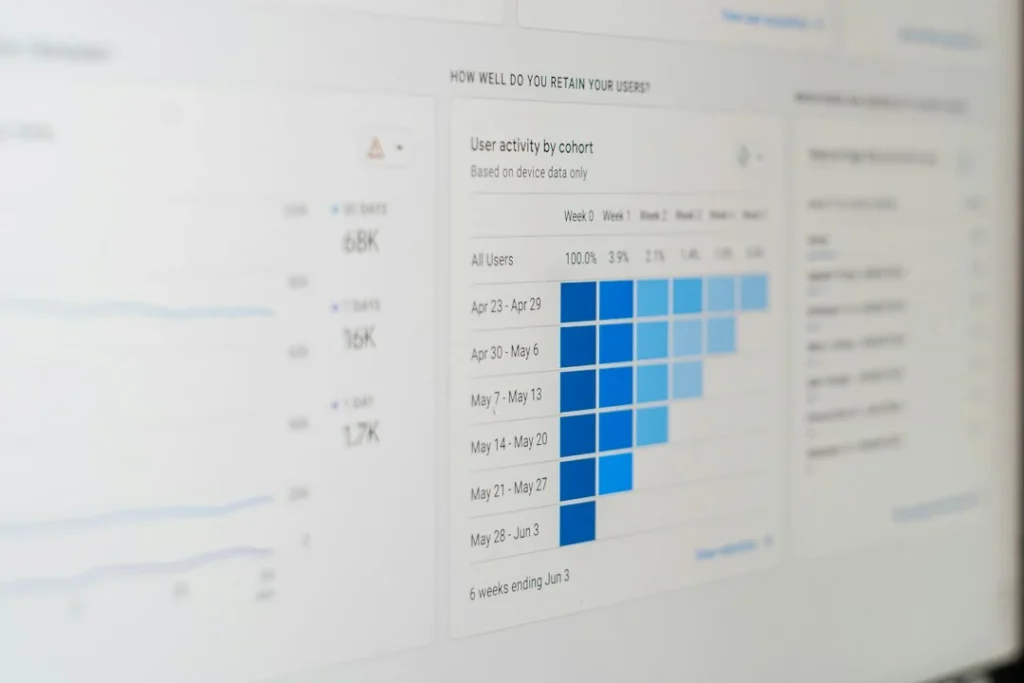
Nobody wants to read a wall of text about your freelance workload. Keep your weekly email short, snappy, and structured with clear headers. Try a layout like: What got done this week, what is on deck for next week, and any current blockers. It takes you five minutes to write and even less time for your client to digest.
Providing clear call-to-actions when you need client feedback or approvals
If you need something from your client, make it impossible for them to miss. Put your ask right at the top or in a bold callout box, followed by a direct deadline. Instead of saying “let me know what you think,” try asking for approval on section two by Thursday afternoon so you can keep moving.
Best tools to automate and streamline client reporting
Leveraging client portals and project management dashboards like Trello, Notion, or Asana
Centralizing your workflow cuts down on the endless ping-pong of status check emails. When clients have direct access to a clean Trello board or Notion page, they can check the status whenever anxiety strikes. It positions you as an organized professional who treats freelance projects with absolute care.
Using Loom to record quick, 2-minute video walkthroughs of your deliverables
Typing out long explanations of a design layout or a content strategy doc can get confusing fast. Dropping a quick screen recording lets you talk through your thought process while showing the work live. Clients love this personal touch because it feels like you are sitting right next to them in the office.
Step-by-Step Implementation
- Set expectations early: Tell your client on day one exactly when and how they will hear from you.
- Choose your hub: Pick one main project management tool or shared document for all status updates.
- Create your template: Draft a reusable email template that covers completed wins, upcoming tasks, and blockers.
- Calendar your check-ins: Block out fifteen minutes every Friday afternoon to send out your weekly progress recaps.
- Record Loom walkthroughs: Use short videos for complex handoffs so your client understands your creative choices instantly.
- Track your wins: Keep a running list of milestones hit so your status reports write themselves.
Frequently Asked Questions
How often should I update my freelance clients?
Once a week is usually the sweet spot for most standard projects. If the timeline is super tight, a brief update every three days helps keep everyone aligned without feeling overwhelming.
What should I do if a client never reads my progress updates?
Switch up your medium by sending a quick Slack message or a short Loom video instead of a long email. Some clients simply ignore text-heavy updates until you put the information right in front of their face.
How do I handle a client who constantly asks for unscheduled updates?
Direct them gently back to your shared project dashboard where they can view live progress anytime. Reassure them that you have a dedicated weekly update routine so they feel safe letting go of the micromanagement.
Is it okay to use templates for client communication?
Using a template is actually a huge time-saver that keeps your communication consistent and professional. Just make sure to customize the details for each specific client so it still feels personal.
Next Steps
- Draft a simple weekly update template using the bulleted format covered above.
- Review your current client projects and set a recurring calendar reminder for your next progress report.
Photo by Jason Coudriet on Unsplash · Photo by 1981 Digital on Unsplash
 Freelancing & Projects
 Freelancing & Projects
 Freelancing & Projects